A LITTLE CONTEXT. A BETTER EXPERIMENT.
Discovery guide v1.0.0 · Changelog
Fractal Explorer — Mandelbrot & Julia Set Explorer
There is more between the pixels.
Fractal Explorer lets you zoom into Mandelbrot, Julia and Burning Ship fractals in your browser. Explore changing boundaries, compare palettes and save favorite discoveries. Link Mandelbrot and Julia views to investigate how a parameter in one picture changes the other, or export an image to keep.
Open Fractal Explorer ↗Free to start in your browser. The interactive tool uses JavaScript.
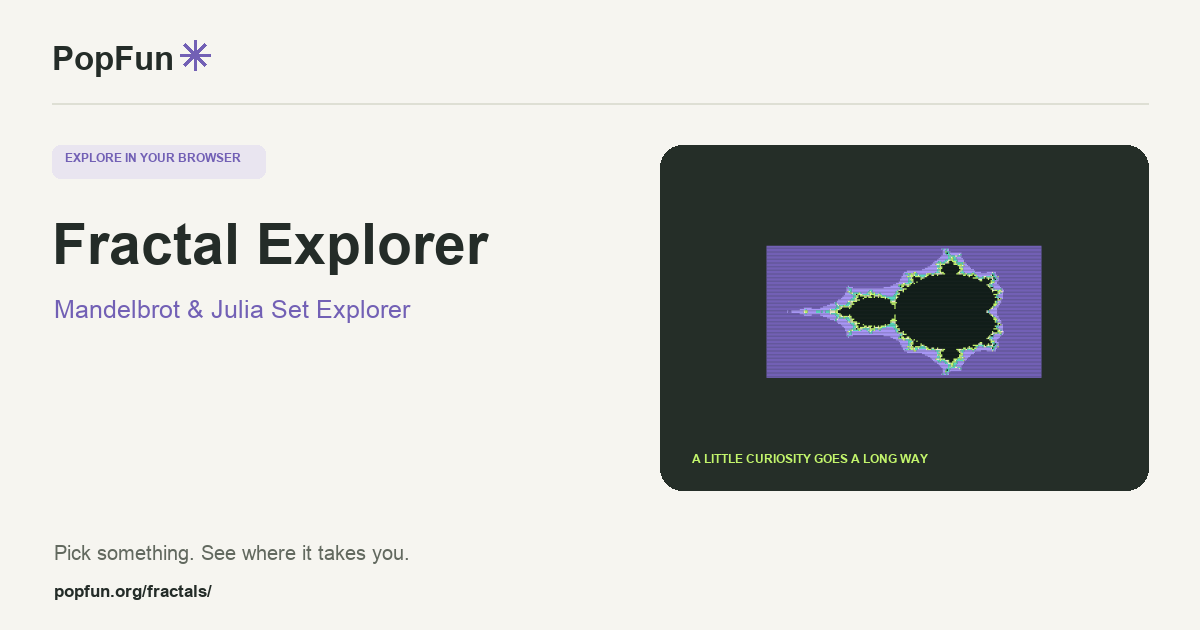
Try a small experiment.
- Begin with the full Mandelbrot view. Zoom toward a boundary rather than the empty background.
- Increase the iteration detail when fine structures become hard to distinguish. Compare the same location with a new palette.
- Switch to Julia or Burning Ship, save a favorite view, and try an image export.
A couple of useful questions.
Are the colors part of the fractal itself?
The colors encode the calculation according to the selected palette. They help reveal structure, but changing a palette does not change the mathematical iteration being explored.
Why does a dark area change when I increase iterations?
A calculation can test only a finite number of iterations. A point that has not escaped within that budget is not thereby proven to belong to the set. A larger budget can reveal more detail.
Know what the tool represents.
Finite iteration counts, screen resolution and numerical precision limit every rendered view. Use the app’s model notes and export settings when comparing detail at deep zoom levels.
FOLLOW ANOTHER THREAD
Related tools to explore.
Guide v1.0.0 · Updated November 1, 2026. Controls can evolve; the tool’s own changelog and model notes describe its current behavior.