A LITTLE CONTEXT. A BETTER EXPERIMENT.
Discovery guide v1.0.0 · Changelog
Color Playground — Free Palette Generator & Image Colors
Find a palette that feels right.
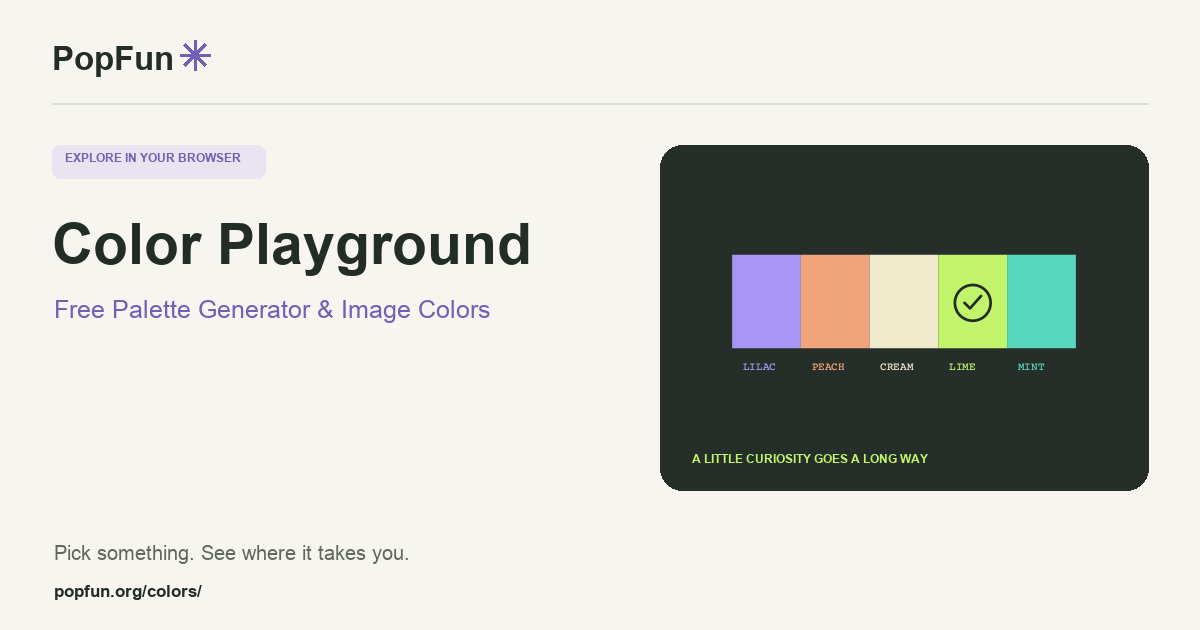
Color Playground is a free palette generator and image-color tool. Explore color harmonies, choose a starting color or extract a palette from a picture. Preview combinations, compare their contrast and save the sets you want to revisit. CSS and image exports help carry the colors into another project.
Open Color Playground ↗Free to start in your browser. The interactive tool uses JavaScript.
Try a small experiment.
- Generate a palette, then try a complementary or analogous harmony from the same starting color.
- Choose an image and compare the extracted colors with the parts of the picture that caught your eye.
- Preview a combination, inspect its contrast information and save or export the palette.
A couple of useful questions.
What is the difference between analogous and complementary colors?
Analogous palettes use nearby regions of a color wheel. Complementary palettes use opposing regions. Both are starting points for design; the actual balance also depends on lightness, saturation and how much of each color you use.
Does a nice palette guarantee readable text?
No. Readability depends on the specific foreground and background pair, text size and other visual conditions. Use the contrast preview on the pairs you intend to place together.
Know what the tool represents.
Image colors and previews depend on the source file and display. The palette tools are a way to explore and compare choices, not a guarantee that colors will match every screen or printing process.
FOLLOW ANOTHER THREAD
Related tools to explore.
Guide v1.0.0 · Updated November 1, 2026. Controls can evolve; the tool’s own changelog and model notes describe its current behavior.