A LITTLE CONTEXT. A BETTER EXPERIMENT.
Discovery guide v1.0.0 · Changelog
Beat Lab — Free Online Beat Maker & Music Sequencer
Start with a beat. Make it your own.
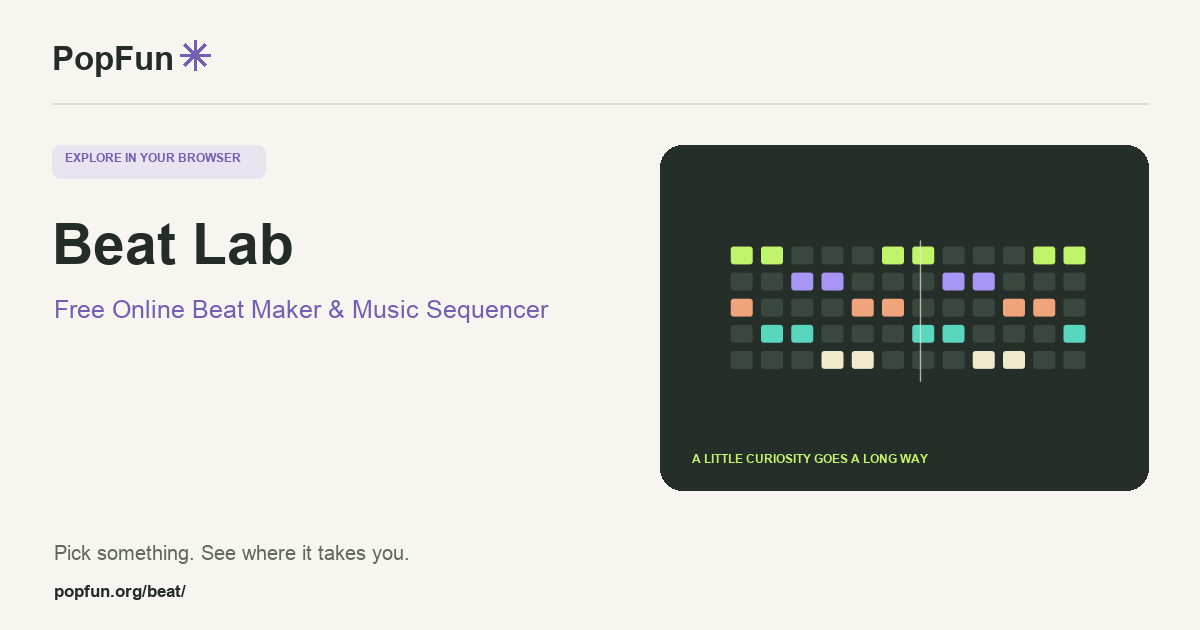
Beat Lab is a free online beat maker and browser music sequencer. Build a groove with drums, melody and bass, then arrange it into a song. Draw notes in the piano roll, layer instruments and shape the sound. Project saving and audio or MIDI exports help you keep an idea after the browser session ends.
Open Beat Lab ↗Free to start in your browser. The interactive tool uses JavaScript.
Try a small experiment.
- Choose a starting groove and press Play. Listen to the rhythm before adding more layers.
- Change a few drum steps, then add a short melody or bass phrase in the piano roll.
- Arrange your clips into sections. Save the project before exporting a WAV or MIDI file.
A couple of useful questions.
Why can’t I hear anything at first?
Browsers normally require an action such as pressing Play before starting audio. Check the tool’s volume and your device’s output, then start playback. Use a comfortable listening level.
What is the difference between WAV and MIDI?
WAV stores rendered audio you can listen to. MIDI stores musical events such as notes and timing; its sound depends on the instrument used to play it. A project file keeps the tool’s editable arrangement.
Know what the tool represents.
Beat Lab uses browser-generated instruments and timing. Device performance and browser audio support can affect playback and exports. Save your project so you can keep editing rather than relying only on a finished audio file.
FOLLOW ANOTHER THREAD
Related tools to explore.
Guide v1.0.0 · Updated November 1, 2026. Controls can evolve; the tool’s own changelog and model notes describe its current behavior.