A LITTLE CONTEXT. A BETTER EXPERIMENT.
Discovery guide v1.0.0 · Changelog
Waveform Studio — Wave Interference & Fourier Simulator
Simple signals. A surprising sum.
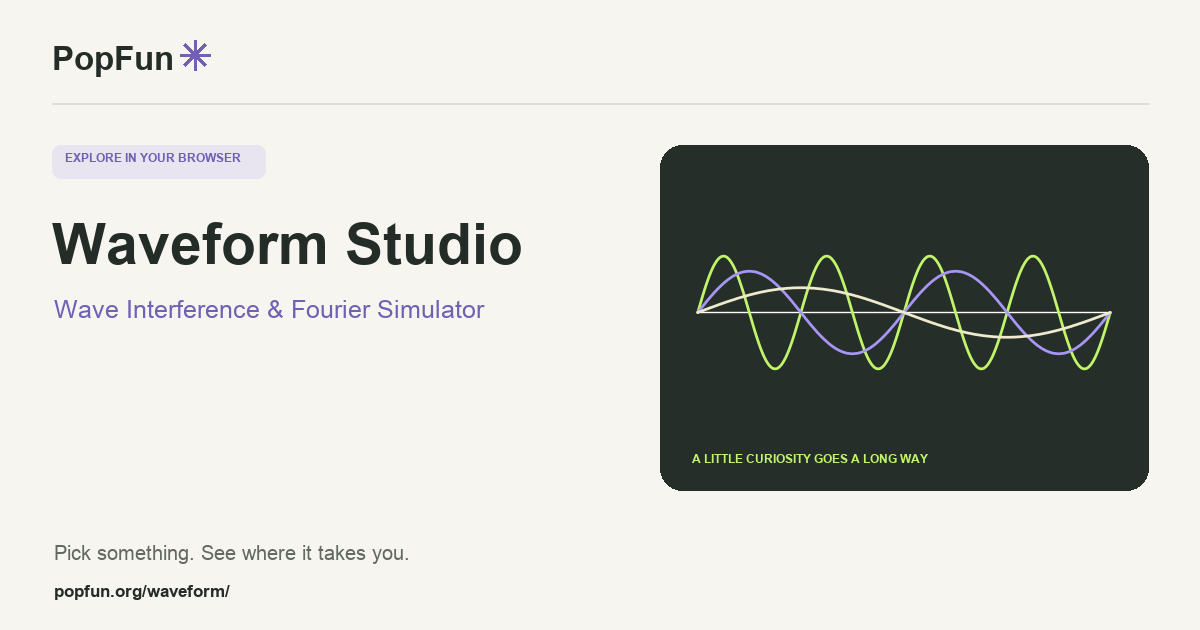
Waveform Studio is an interactive wave simulator for combining signals and exploring interference, harmonics, phase and frequency. Follow individual waves and their sum, inspect contributions at a chosen moment, and compare time-domain plots with frequency analysis. Optional audio connects the visual relationships to a sound you can hear.
Open Waveform Studio ↗Free to start in your browser. The interactive tool uses JavaScript.
Try a small experiment.
- Begin with a cancellation or constructive-interference example. Change the phase of one wave while keeping frequency and amplitude fixed.
- Try nearby frequencies and watch the combined signal develop beats. Compare with the individual traces.
- Explore Fourier synthesis or the spectrum, then save the mix or export a plot to keep the observation.
A couple of useful questions.
What does phase change?
Phase shifts a periodic wave within its cycle. For equal-frequency waves, relative phase changes how their values reinforce or cancel when added at the same moment.
Why can several sine waves make a sharper shape?
Harmonics contribute oscillations at multiples of a fundamental frequency. Adding selected harmonics changes the combined shape. A finite sum approximates a discontinuous target and can retain ripples near its jumps.
Know what the tool represents.
The plots represent sampled ideal signals. Frequency spectra use a finite analysis window; sound rendering and displayed sharp edges have their own limits. Consult the field guide and analysis notes inside the studio.
FOLLOW ANOTHER THREAD
Related tools to explore.
Guide v1.0.0 · Updated November 1, 2026. Controls can evolve; the tool’s own changelog and model notes describe its current behavior.