A LITTLE CONTEXT. A BETTER EXPERIMENT.
Discovery guide v1.0.0 · Changelog
Light Lab — Free Lens, Mirror & Prism Simulator
Follow the light. Find the image.
Light Lab is a free online optics simulator for exploring mirrors, lenses, prisms and glass. Arrange a small optical bench, follow the rays, and see how reflection and refraction change their paths. Switch to the image workspace to compare real and virtual lens images, with the distances and magnification beside the drawing.
Open Light Lab ↗Free to start in your browser. The interactive tool uses JavaScript.
Try a small experiment.
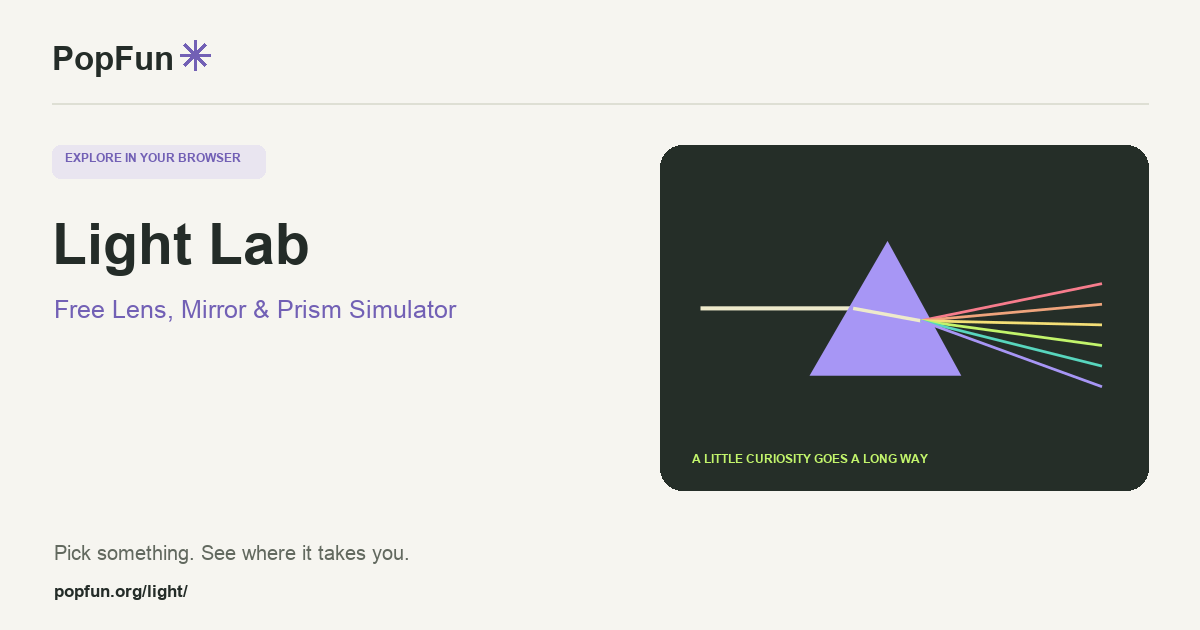
- Start with “Split white light.” Follow the white incident beam through the prism and compare the outgoing colors.
- Select the prism and change its dispersion. At zero dispersion, the sampled colors follow the same path.
- Open “Form an image.” Move the object inside and outside a converging lens’s focal distance, watching the image orientation.
A couple of useful questions.
Why does a prism split white light?
The glass model has a refractive index that varies with wavelength. Different sampled colors bend by different amounts at its surfaces. The display uses seven representative wavelengths rather than a continuous spectrum.
What is a virtual image?
A virtual image is where outgoing rays appear to come from. The rays themselves do not meet there; their backward extensions do. Light Lab draws those extensions with dashed lines.
Know what the tool represents.
The bench uses two-dimensional geometric optics. Thin lenses use a near-axis approximation; diffraction, interference and lens aberrations are outside this model. The tool’s Model & sources panel explains the equations and limits.
FOLLOW ANOTHER THREAD
Related tools to explore.
Guide v1.0.0 · Updated November 1, 2026. Controls can evolve; the tool’s own changelog and model notes describe its current behavior.