A LITTLE CONTEXT. A BETTER EXPERIMENT.
Discovery guide v1.0.0 · Changelog
Pattern Studio — Free Kaleidoscope & Spirograph Maker
A small movement. A surprising pattern.
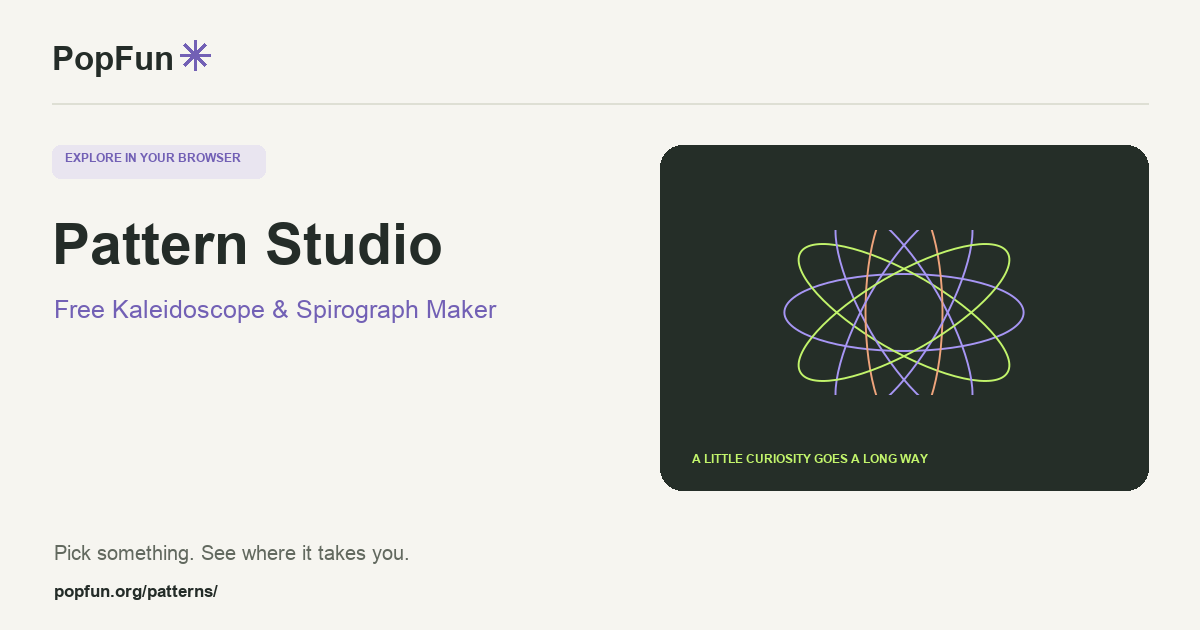
Pattern Studio is a browser drawing tool for kaleidoscopes, spirographs and geometric art. Explore symmetry through reflected strokes, trace repeating curves and change the color story. Keep a favorite in the local gallery or export an image or SVG for another creative project.
Open Pattern Studio ↗Free to start in your browser. The interactive tool uses JavaScript.
Try a small experiment.
- Start with a kaleidoscope. Draw one short stroke and observe how the symmetry repeats it.
- Try a spirograph and change one curve setting at a time. Compare an open trace with a more complete pattern.
- Choose a palette and background, then save the design or export it.
A couple of useful questions.
Why does one stroke appear in several places?
The kaleidoscope repeats and reflects the input around its center. Changing the symmetry setting changes how many related copies you see.
Why would I export SVG instead of an image?
SVG describes vector geometry and can be useful when resizing or editing paths. An image export records pixels. Choose the format that fits the software or final use you have in mind.
Know what the tool represents.
The different drawing modes use idealized geometric constructions. A finite spirograph trace may not close at the chosen settings. The app’s help explains controls, saving and export behavior.
FOLLOW ANOTHER THREAD
Related tools to explore.
Guide v1.0.0 · Updated November 1, 2026. Controls can evolve; the tool’s own changelog and model notes describe its current behavior.