A LITTLE CONTEXT. A BETTER EXPERIMENT.
Discovery guide v1.0.0 · Changelog
Wind Tunnel — Interactive 2D Airflow Simulator
A different shape. A different wake.
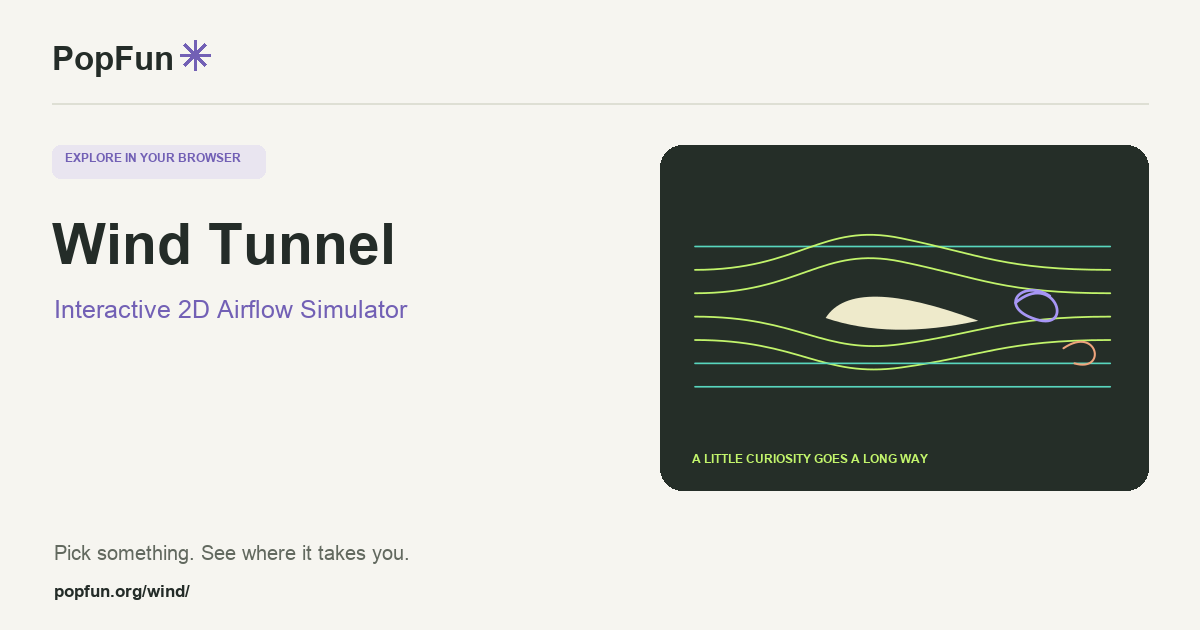
Wind Tunnel is an interactive two-dimensional airflow simulation. Choose or edit a shape, change its angle and watch the surrounding flow. Compare the pressure view and the wake to investigate how an obstacle redirects moving air.
Open Wind Tunnel ↗Free to start in your browser. The interactive tool uses JavaScript.
Try a small experiment.
- Start with a simple shape and let the flow develop before changing a control.
- Rotate an airfoil a small amount. Predict where the streamlines and wake will change.
- Compare it with a circle or a custom outline, keeping the other settings the same.
A couple of useful questions.
What is a wake?
A wake is the disturbed flow downstream of an object. Depending on the shape and flow conditions, it may contain recirculating regions or alternating vortices.
Can I use the picture to design a real wing?
The picture is useful for conceptual comparison, but the simulator’s two-dimensional grid and simplified model omit important real-world behavior. A real design needs an appropriate engineering analysis and validation.
Know what the tool represents.
Read the model notes before interpreting pressure and flow patterns. Grid resolution, boundaries and elapsed simulation time affect the result. Compare runs under matched conditions rather than treating a screenshot as a universal property of a shape.
FOLLOW ANOTHER THREAD
Related tools to explore.
Guide v1.0.0 · Updated November 1, 2026. Controls can evolve; the tool’s own changelog and model notes describe its current behavior.