A LITTLE CONTEXT. A BETTER EXPERIMENT.
Discovery guide v1.0.0 · Changelog
Flight Lab — 3D Projectile Motion & Drag Simulator
Follow the flight. Explain the curve.
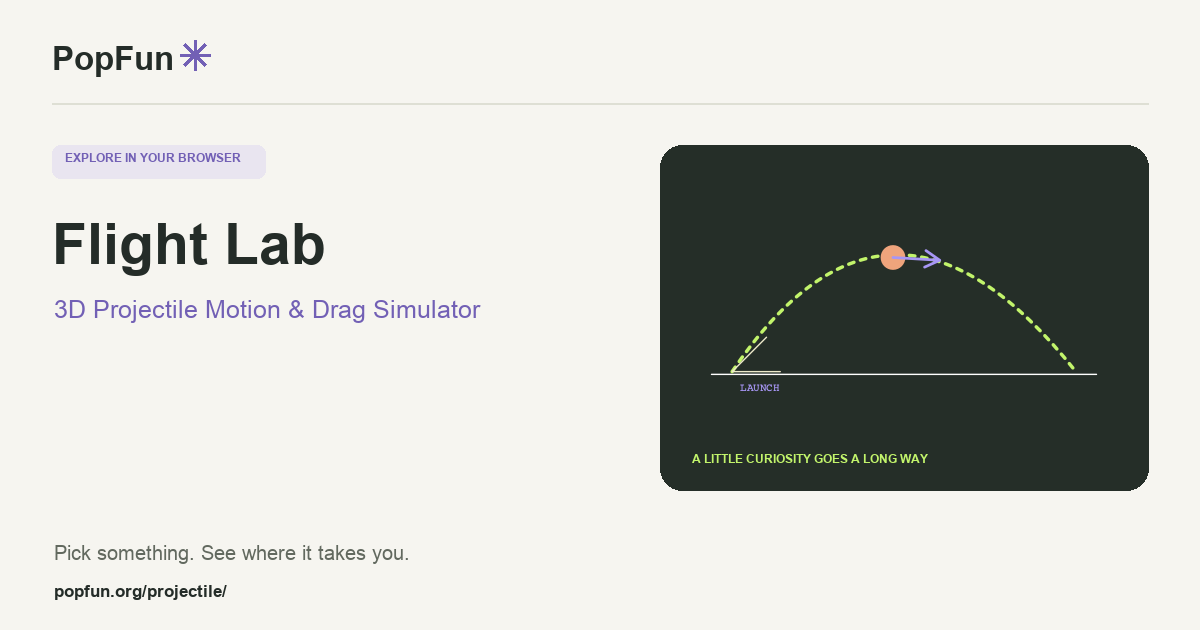
Flight Lab is an interactive projectile-motion simulator with side, top-down and three-dimensional views. Launch different objects and compare the effects of gravity, drag, wind and spin. Trajectory comparisons and graphs help connect a change in the controls to a change in the flight.
Open Flight Lab ↗Free to start in your browser. The interactive tool uses JavaScript.
Try a small experiment.
- Begin with a simple launch and observe it from the side. Predict what increasing the launch angle will change.
- Keep the launch the same and compare an idealized flight with a run including drag or wind.
- Explore a target challenge or an automatic experiment. Use the graphs to explain where the trajectories separate.
A couple of useful questions.
Why does air resistance change the path?
Drag acts against motion relative to the surrounding air. Its effect depends on the object and model settings, so a flight with drag need not have the symmetry of an ideal projectile path.
Why use several views of the same launch?
A side view makes height easy to follow, while a top view reveals sideways motion. A 3D view brings them together. All should describe the same simulated flight rather than separate experiments.
Know what the tool represents.
Objects and aerodynamic behavior are simplified for conceptual experiments. Read the physics panel for assumptions about shape, drag, spin and tumbling, and distinguish the drawn symbol size from physical dimensions.
FOLLOW ANOTHER THREAD
Related tools to explore.
Guide v1.0.0 · Updated November 1, 2026. Controls can evolve; the tool’s own changelog and model notes describe its current behavior.