A LITTLE CONTEXT. A BETTER EXPERIMENT.
Discovery guide v1.0.0 · Changelog
Gravity Playground — Free Gravity & Orbit Simulator
A little push. A different universe.
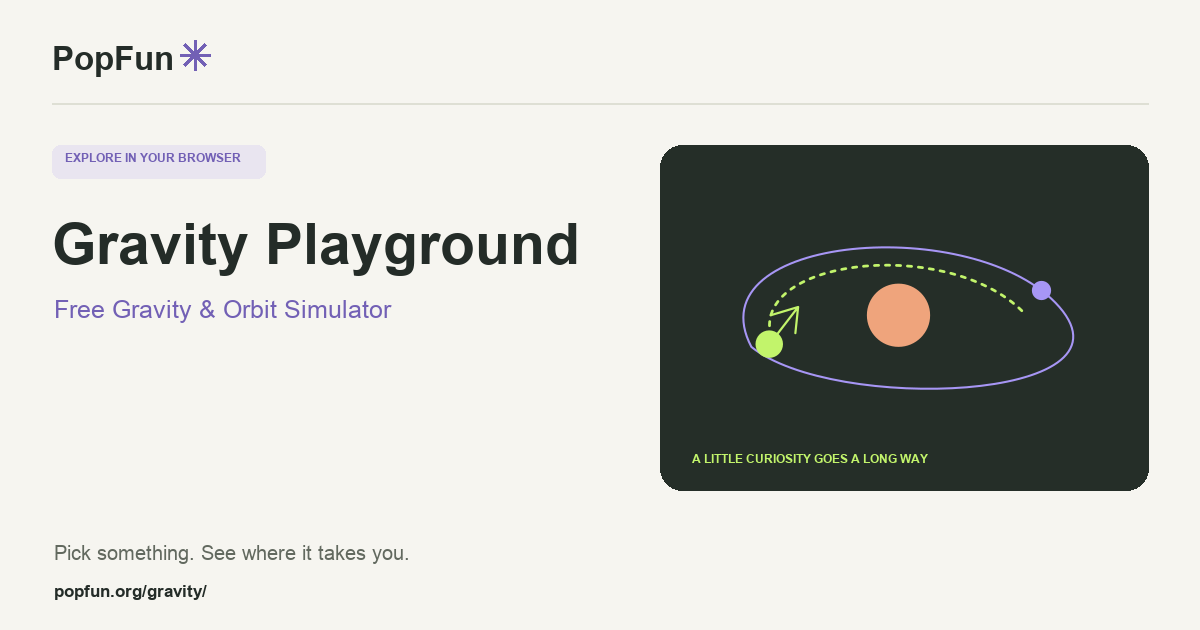
Gravity Playground is a free browser gravity simulator where you can launch bodies, build orbits and explore collisions. Make a small universe, change one starting condition, and follow what happens. Trails and measurements make the motion easier to compare, while saved universes let you return to an experiment.
Open Gravity Playground ↗Free to start in your browser. The interactive tool uses JavaScript.
Try a small experiment.
- Start with a simple orbital setup. Watch its trails before changing anything.
- Change the launch direction or speed of one body. Compare the new path with your prediction.
- Try a guided challenge or compare two setups. Change only one variable so you can explain the difference.
A couple of useful questions.
Why does an orbit change when I launch a body faster?
An orbital path depends on both the gravitational interaction and the body’s initial velocity. Changing speed can change the path’s shape or whether the body stays near the others.
How is this different from Orbit Explorer?
Gravity Playground lets you invent a system and experiment with its motion. Orbit Explorer is for exploring dated positions and views of our Solar System. One is a sandbox; the other is a guide to specific worlds.
Know what the tool represents.
This is a conceptual simulation with simplified bodies, collision rules and numerical stepping. Use the model notes when comparing runs; a visually convincing orbit is not a precision prediction of a real system.
FOLLOW ANOTHER THREAD
Related tools to explore.
Guide v1.0.0 · Updated November 1, 2026. Controls can evolve; the tool’s own changelog and model notes describe its current behavior.