A LITTLE CONTEXT. A BETTER EXPERIMENT.
Discovery guide v1.0.0 · Changelog
Heat Lab — Cooling, Insulation & Climate Simulations
Four ways to follow the heat.
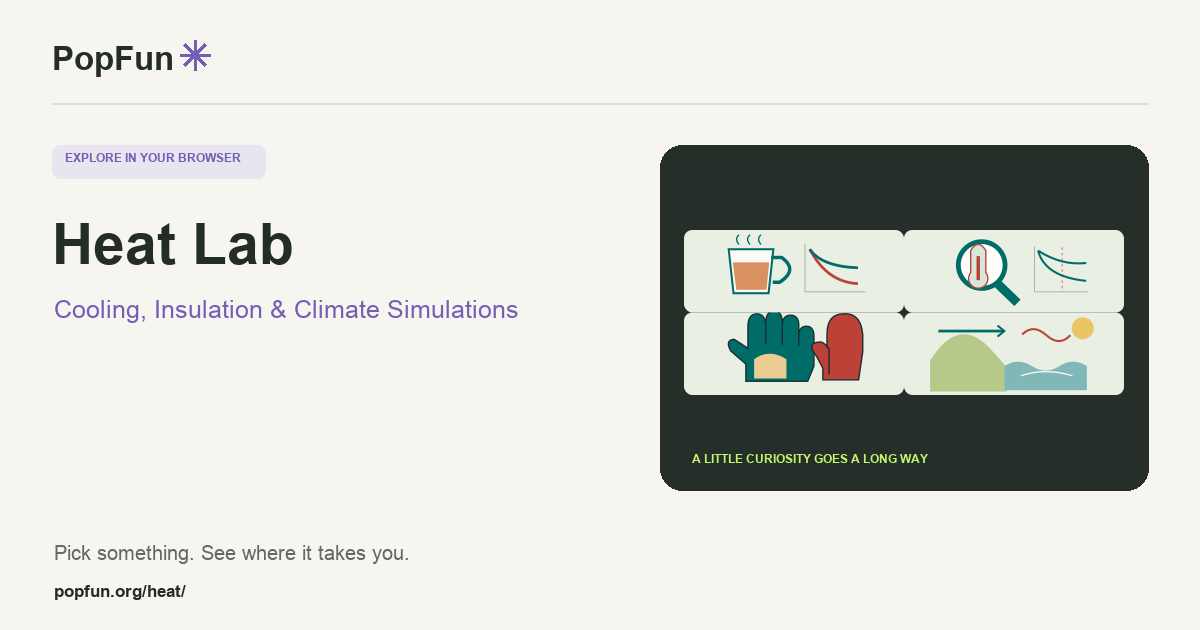
Heat Lab brings cooling cups, temperature-history puzzles, glove insulation and coastal-climate experiments into one interactive collection. Compare two setups and change one condition at a time. Temperature curves make it easier to connect a physical idea to a trend rather than only a final number.
Open Heat Lab ↗Free to start in your browser. The interactive tool uses JavaScript.
Try a small experiment.
- Choose Cooling cups and compare two drinks. Change a lid, wall material or breeze while holding other settings steady.
- Try Glove designer to compare dry and wet layers or different exposure conditions. Follow the timeline rather than only the starting temperature.
- Explore the climate or detective experiment. Change an assumption and see how much the conclusion moves.
A couple of useful questions.
Why can two cups start equally hot but cool differently?
Their heat exchange with the surroundings depends on the model’s material, geometry and environmental settings. A lid, moving air or a different volume can change the temperature curve.
Can a final temperature tell me exactly what happened earlier?
Usually several starting conditions and histories can produce similar later temperatures. The fictional detective experiment makes those assumptions visible, showing how uncertainty changes a reconstructed timeline.
Know what the tool represents.
These are educational models with stated assumptions, not forecasts, forensic measurements or protective-equipment ratings. Check each experiment’s equations and source panel. Metric and US/imperial controls describe the same modeled quantities.
Explore the four heat experiments.
- Cooling Cup Lab — compare cooling drinks.
- Thermal Detective — question a fictional temperature history.
- Glove Designer — compare insulation and exposure.
- Coast Climate Lab — explore seasonal heat storage.
FOLLOW ANOTHER THREAD
Related tools to explore.
Guide v1.0.0 · Updated November 1, 2026. Controls can evolve; the tool’s own changelog and model notes describe its current behavior.